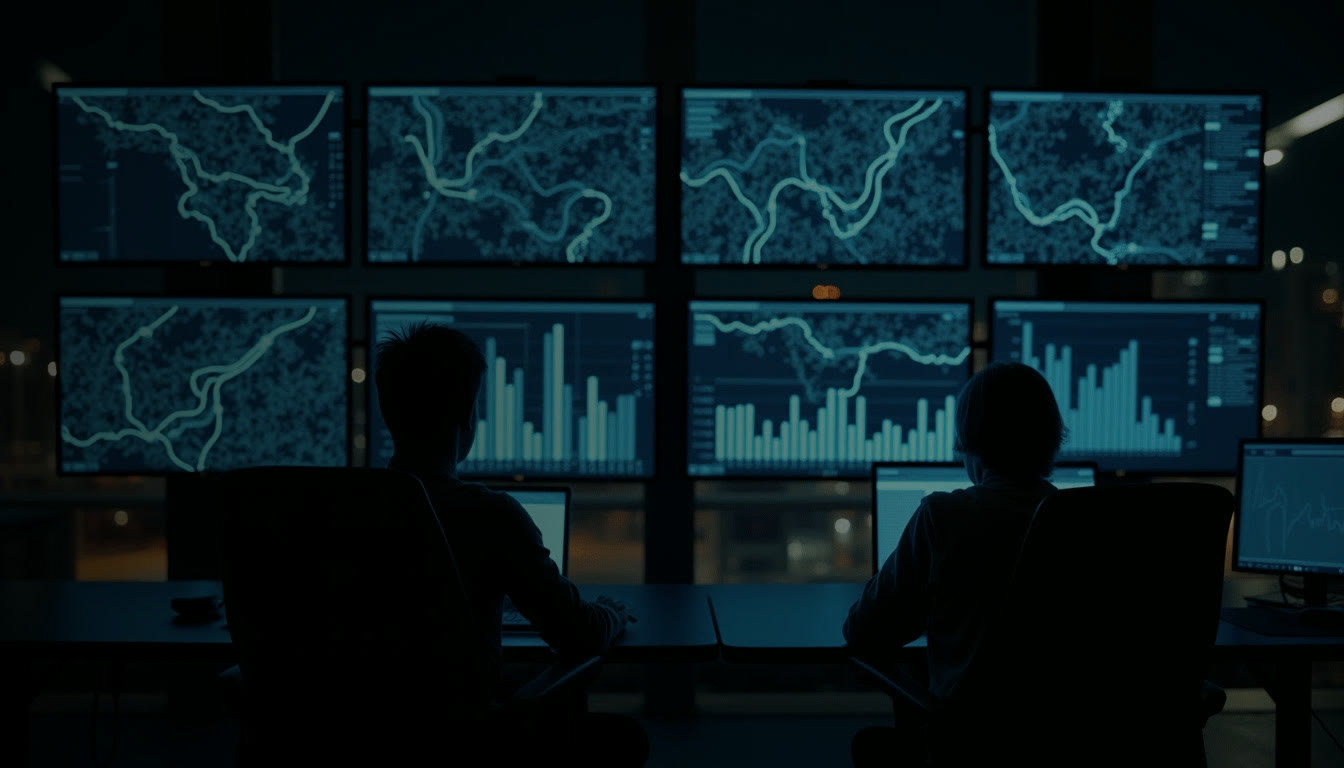
My own product
askadash.
Ask it. Build it.
My own AI dashboard builder. Tell it what you want to see, in your own words. It builds the page on your own site, checks it, and keeps building every time you ask.
My own AI dashboard builder. Tell it what you want to see, in your own words. It builds the page on your own site, checks it, and keeps building every time you ask.
Say it the way you would say it to a colleague: a number, a trend, a report or a whole page. It is built on your company's own dash from your own numbers, usually in minutes, and it tells you what it did. People check it, and if it isn't right, one click puts it back.
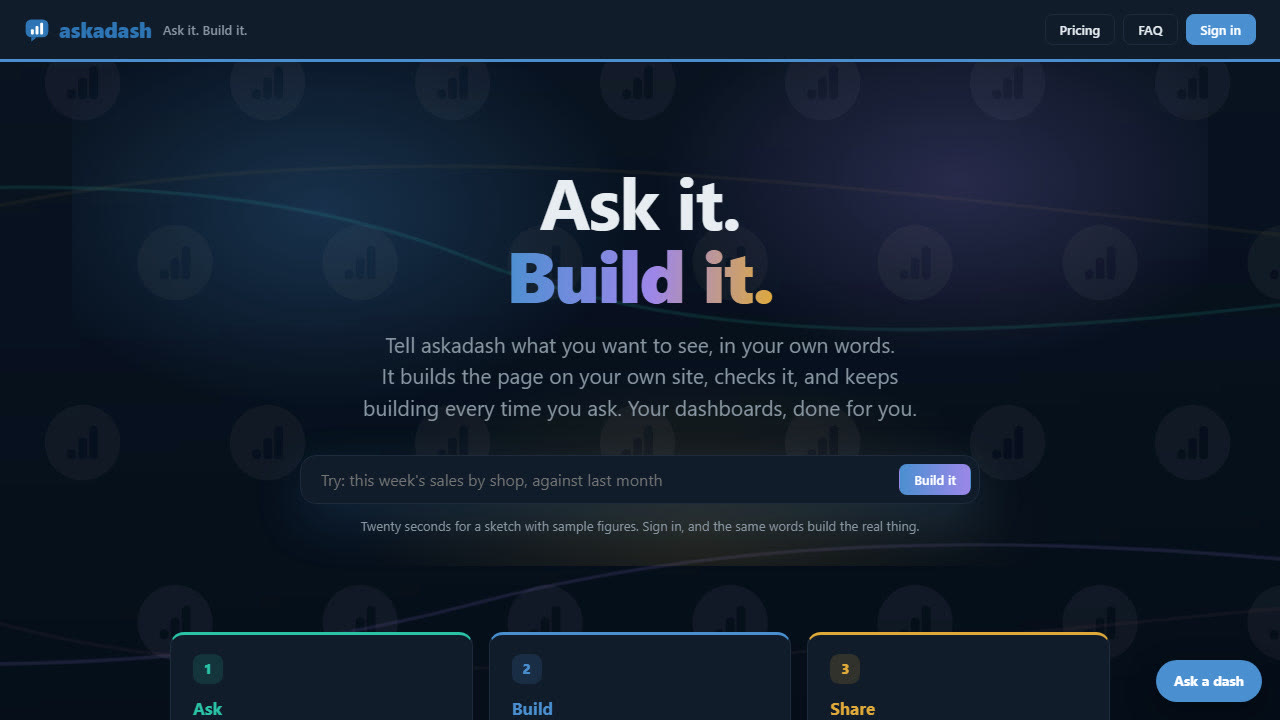
Say what you want to see, in your own words. A number, a trend, a report, a whole page.
It is built on your own dash from your own numbers, usually in minutes. Not right? One click puts it back.
Everyone gets a dash of their own, and chooses who sees it.
KPIs, checkers, HR, compliance, SOPs, corrective actions, finance and the board: start with one number that matters and grow it.
Warehouse and transport KPIs, live, on the screen people already look at.
A late-trunk checker for a trunking network, and checks for anything your team ticks off by hand.
Absence tracking for HR, on a dash of its own, seen only by the people who need it.
Compliance registers and checks, built the way your team actually works.
AI-based SOP tools, so every procedure is written down and easy to follow.
Corrective actions logged, owned and followed through to the fix.
Stock and sales figures, built from your own numbers.
Run the board meeting from it: ROI, net ratios, finance and the whole company on one screen.
Each company has its own site address with HTTPS, and one company's change never touches another's.
askadash runs on my own AI infrastructure, not someone else's.
Every build is checked by people, and one click puts it back.
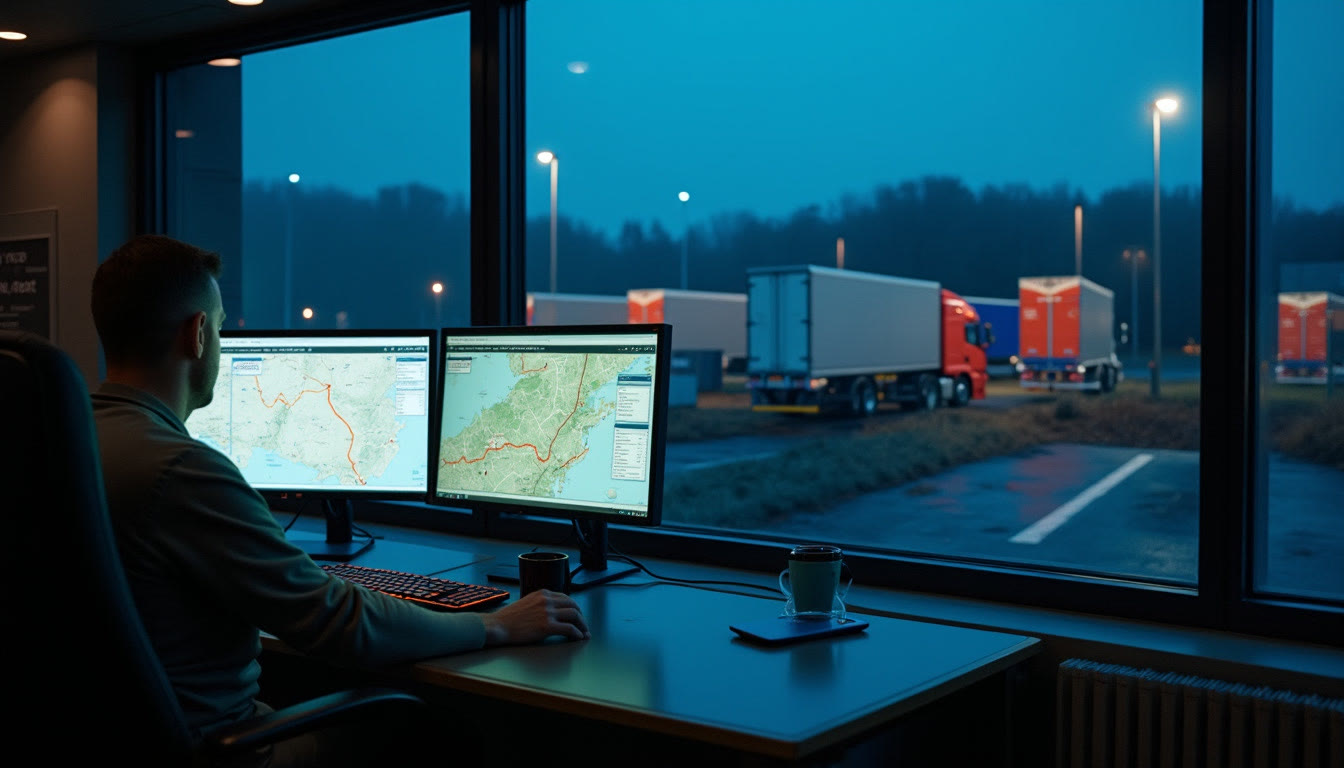
askadash comes out of over 20 years in logistics and haulage software, and it already runs in logistics.
It runs warehouse and transport KPI dashboards and a late-trunk checker for a trunking network, each company on its own address, with AI screens that each company can set for itself.

Try askadash at askadash.com, or tell me what your team needs to see.
Answers are written by AI and may be wrong - for anything important, use the contact page.